In App Store review · in beta · for lawn-care crews of 1–10
$2,823.80
Week of Jul 20 · crew of 4 · a worked example
CutCrew is in App Store review. We’re still picking crews for beta.
Hours, fuel, parts, and invoices — one page, added up while you mowed. That is the week CutCrew is built to close out. It isn’t downloadable yet; it’s in Apple’s review queue and being tested on real crews’ phones. Beta testers get 90 days free when it ships.
From the field
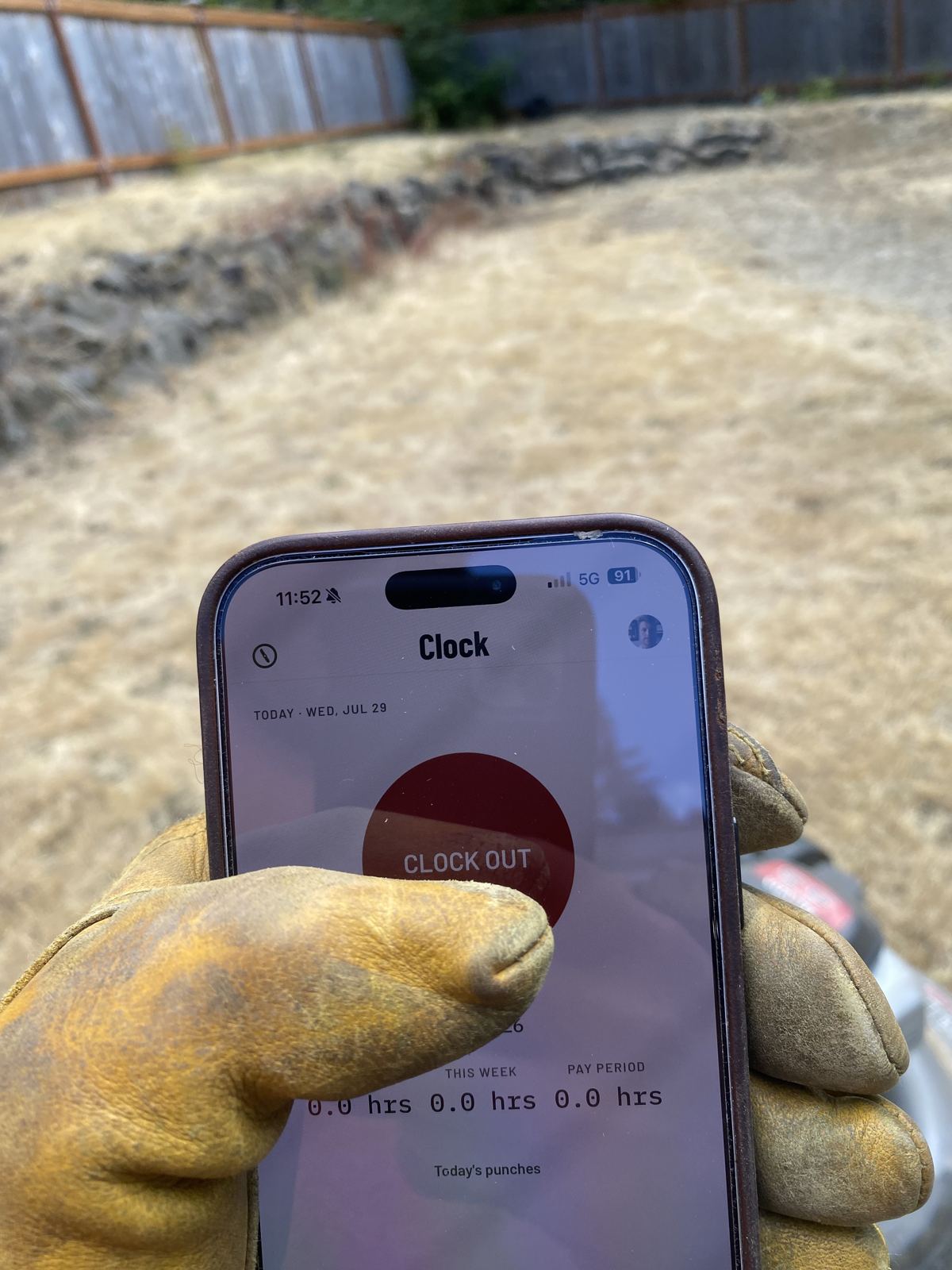
Sunday night, kitchen table
Your week, on one page.
No shoebox, no texts that say “started around 7.” Every entry lands the moment it happens.
| Hours · 96.5 across the crew | $2,412.50 |
| Fuel · 11 receipts | $188.40 |
| Parts & repair · blade set, trailer tire | $267.90 |
| Customer refund · Maple St. re-cut | −$45.00 |
| Week of Jul 20 | $2,823.80 |
How it works
Three habits. Zero training.
Punch in
6-digit text code, works with no signal
Snap the receipt
under 20 seconds at the register
Run the day
hours, spend, invoice sent before you leave the site — customers pay by link
The part your accountant will love
Tax time is one tap.
Every receipt category maps to a Schedule C line all season. When the quarter ends, one tap sends your accountant the photos and a clean CSV. Sent records lock — that’s the stamp.
Q2 2026 EXPORT142 RECEIPTS
| Fuel | $1,603 |
| Parts & repair | $1,097 |
| Supplies | $812 |
| Other | $706 |
| Total | $4,218 |
Pricing
One price. Whole crew.
Pricing starts the day the app ships — nobody is billed before that. Beta testers get their first 90 days free from that same day.
Invoices your customers pay by link are part of the Premium plan, not the $29 plan, and payments collected through them carry a small percentage platform fee on top of Stripe’s own processing fees. That plan’s price and fee are shown before you choose it — see Terms §5. Tax export stays in the $29 plan, always.
Who you’re dealing with
One small company, and you can look it up.
CutCrew is made by RAP Solutions LLC — a veteran-owned business, and a small one. It is written, hosted, and answered in America: the code, the servers your records sit on, and the person who replies to your email.
That sits here instead of in the fine print because you are about to hand a stranger your crew’s hours and your receipts. Here is the rest of what you’d want to know first.
- WHERE IT RUNS
- The app, the database, and every receipt your crew photographs sit on US infrastructure — named provider by provider in Privacy §3 and §12.
- PAID FOR BY
- You, at $29 a month. No ads, no data sold, nothing charged per head. That is the whole business model, and it is written down in Privacy §9.
- WHO ANSWERS
- A person, at support@cutcrewapp.com, inside 1 business day. That is a promise a shop this size can keep and a big one can’t.
- IN WRITING
- The Terms name the company on their first line and run under Washington law. They are on this site to be read before you sign anything, not after.
- NOT DONE YET
- Shipping. CutCrew is in App Store review now, and beta testing continues alongside it. We’d rather print that on the card than let you find out later.
If a line on this card stops being true, it comes off the card before it comes off the marketing.
Beta testers · 90 days free
The trade, in plain words.
We wanted a handful of real crews on real jobs before this went to the App Store — and beta keeps running now that it’s in Apple’s review. Both halves of the deal, printed:
What you get
- 90 days free, counted from the day the app ships — not spent waiting
- The build on your crew’s phones before it reaches the store
- A person, not a help desk. We set your first week up with you
- First word when founding crews open
What we need back
- Your real crew and your real receipts — a test account teaches us nothing
- One full week on the clock, punch-in to payday
- The truth when something breaks, in whatever words you’ve got
We take a few crews at a time so we can sit with every setup, then open the next group. You’ll hear from a person when there’s a spot — not a queue number.
Request beta accessFounding crews · coming soon
Founding crews come after beta.
When beta closes we open a founding round, and it closes for good once those seats are taken. Founding crews lock their price for life: whichever tier you join at — $29, $39, or $49 — stays your price for as long as you keep the account.
Not open yet, and there’s nothing to sign. Beta testers hear about it first.
Straight answers
- When does it ship?
- CutCrew is in App Store review now — beta crews are still running real weeks on it while Apple reviews. We’re not going to pick a date we can’t keep — beta testers will hear it first.
- Do I get in right away?
- No. Beta access is an application, not a signup. We take a few crews at a time so we can sit with every setup, and we email you when there’s a spot.
- Will there be bigger plans?
- Yes — a Premium plan and a Pro plan, each flat for the whole crew. Tax export stays in the $29 plan, always.
- I work alone — is this still for me?
- A crew of one is still a crew.